
A few notes about posts in Orah:
- You can edit any post you create.
- You can comment on posts that others create.
- You will be able to read any and all posts.
- If you do not want emails when posts are made, you can opt out of them.
- If you would like, you can opt into notifications about advisees - if they are noted in a well-being note for a behavior or health infraction.
- You cannot tag others in a post.
1. Open Orah from http://app.orah.com or on your phone and log in.
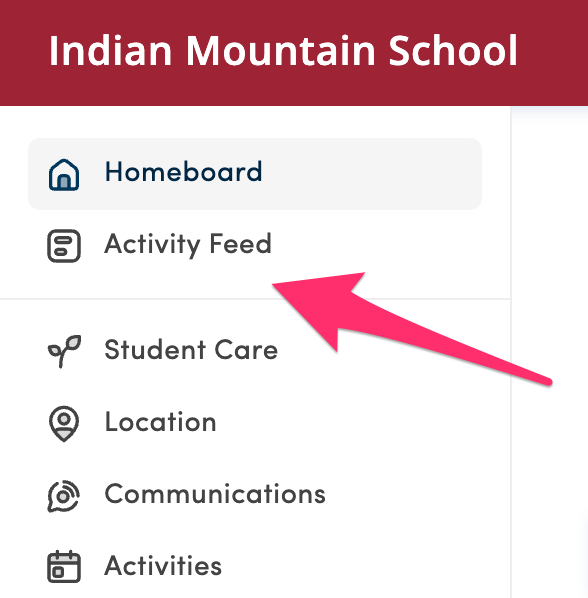
2. From the Homeboard, click Activity Feed.
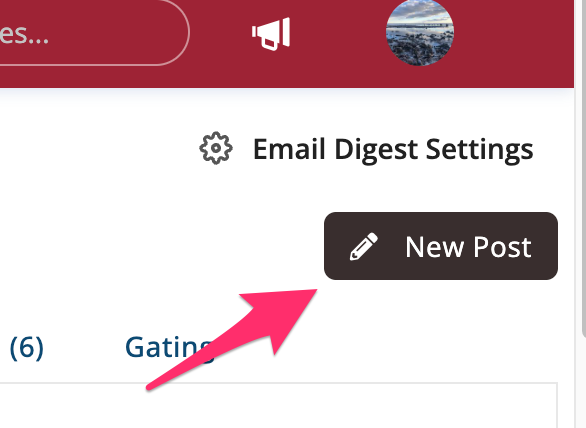
3. Click the "New Post" button near the right corner.
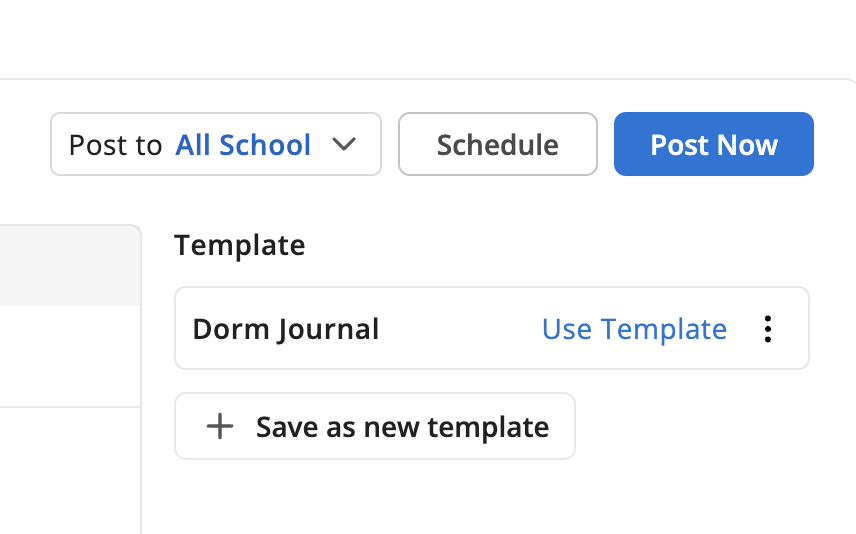
4. Mouseover the "Dorm Journal" template and click "Use Template," near the right corner.
5. Type your dorm journal.
6. Add any behavior or health notices to the dorm journal via a "Welll-Being Note."
7. Click "Post Now" in the upper right corner.